
Minecraft Spider Coloring Page
Enjoy this free printable Minecraft Spider coloring page. You can download it as a high-quality PDF and use it for home, classroom, or rainy-day coloring fun.
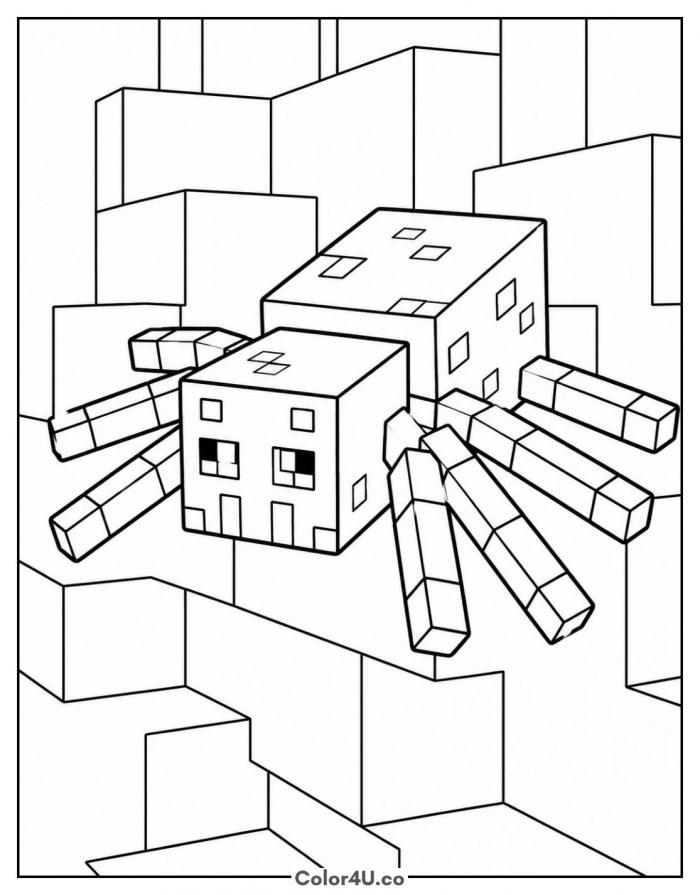
How to color Minecraft Spider (with suggested palette)
Colors that work well together — tap any swatch to copy its hex.
Fill the head and the big body block first, since they set the tone for everything else. Work down each leg from the body outward, one at a time, so you do not smudge across the gaps. Finish with the stone wall behind. Tap any color below to copy its HEX code.
Additional Coloring Tips
1Eyes
Leave the eye squares white until the head is done, then drop in red so it stays bright.
2Leg joints
Color each leg segment separately and leave the joint lines uncolored so the legs keep their blocky look.
3Cave wall
Vary two grays block by block instead of one flat tone, and the wall stops looking like wallpaper.
More Minecraft pages to color next
Same style, similar complexity — good follow-ups for the same coloring session.
Download & print details
Everything you need to know before you hit print.
👉 See all Minecraft coloring pages for more designs to print and color.
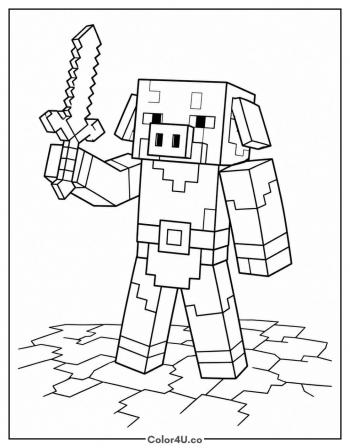
Looking for something similar? Try Minecraft Piglin next.