
Minecraft Phantom Coloring Page
Enjoy this free printable Minecraft Phantom coloring page. You can download it as a high-quality PDF and use it for home, classroom, or rainy-day coloring fun.
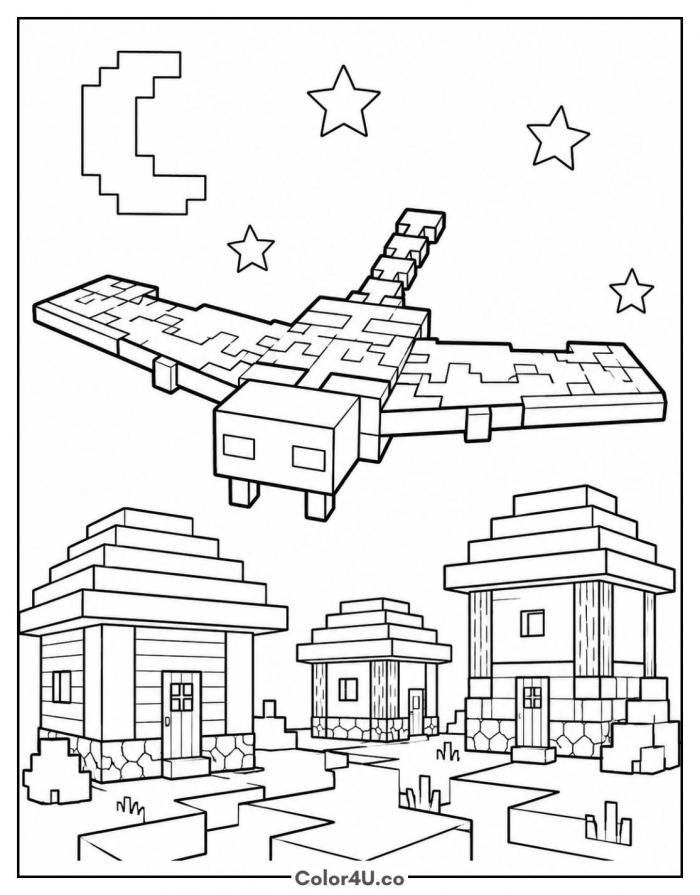
How to color Minecraft Phantom (with suggested palette)
Colors that work well together — tap any swatch to copy its hex.
Fill the sky first so the phantom and the moon have something to sit against, then color the wings from the body outward. Do the houses next, roofs before walls, and finish with the ground and grass. Working top to bottom keeps your hand off finished areas. Tap any color below to copy its HEX code.
Additional Coloring Tips
1Wing patches
Lay the base teal across both wings, then drop the darker green only inside the patch shapes.
2Night sky
Color around the stars rather than over them, and the white shapes will read as light.
3House planks
Run a pencil lightly along each plank line so the walls show grain without turning muddy.
More Minecraft pages to color next
Same style, similar complexity — good follow-ups for the same coloring session.
Download & print details
Everything you need to know before you hit print.
👉 See all Minecraft coloring pages for more designs to print and color.
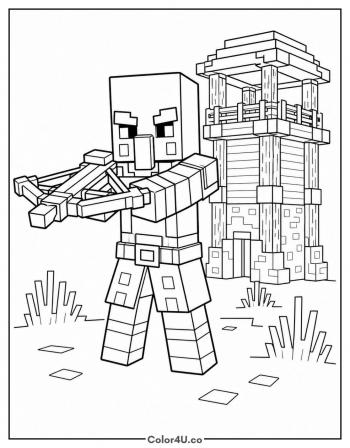
Looking for something similar? Try Pillager with a Crossbow next.