
Minecraft Slime Coloring Page
Enjoy this free printable Minecraft Slime coloring page. You can download it as a high-quality PDF and use it for home, classroom, or rainy-day coloring fun.
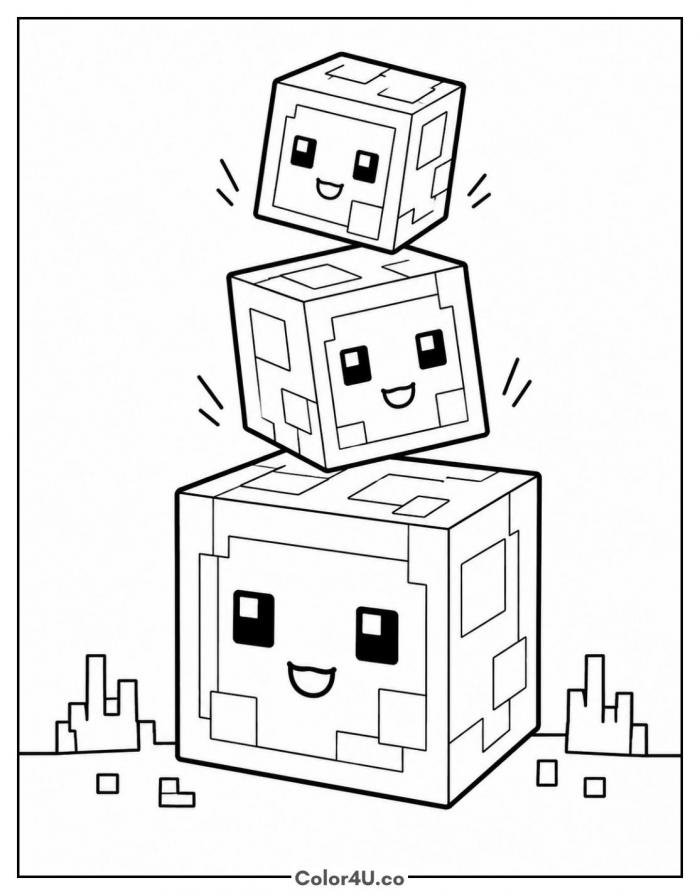
How to color Minecraft Slime (with suggested palette)
Colors that work well together — tap any swatch to copy its hex.
Fill the big bottom cube first, then the middle one, then the little one on top, so your hand always rests on paper you have already finished. Add the lighter inner panels after the base green is down, and leave the faces until the very end. Tap any color below to copy its HEX code.
Additional Coloring Tips
1Inner panels
Leave the lighter squares a shade paler than the body so the slime still looks a bit see-through.
2Faces
Fill the eyes solid black and leave the smile as a bare white line, no color inside it.
3Stacked edges
Darken the side of each cube facing away from you so the tower gains a bit of depth.
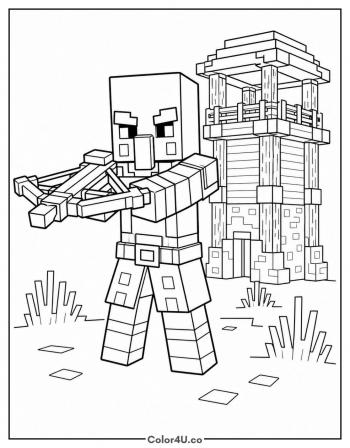
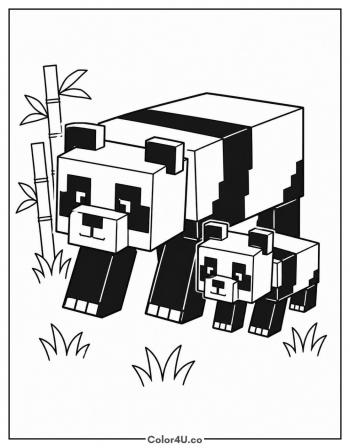
More Minecraft pages to color next
Same style, similar complexity — good follow-ups for the same coloring session.
Download & print details
Everything you need to know before you hit print.
👉 See all Minecraft coloring pages for more designs to print and color.
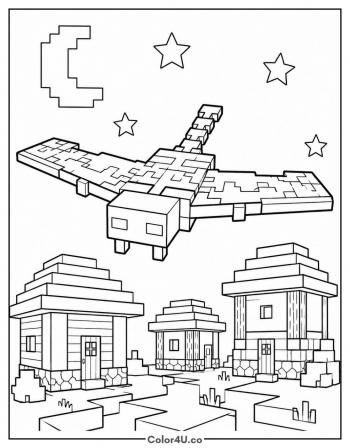
Looking for something similar? Try Minecraft Phantom next.