
Minecraft Ghast Coloring Page
Enjoy this free printable Minecraft Ghast coloring page. You can download it as a high-quality PDF and use it for home, classroom, or rainy-day coloring fun.
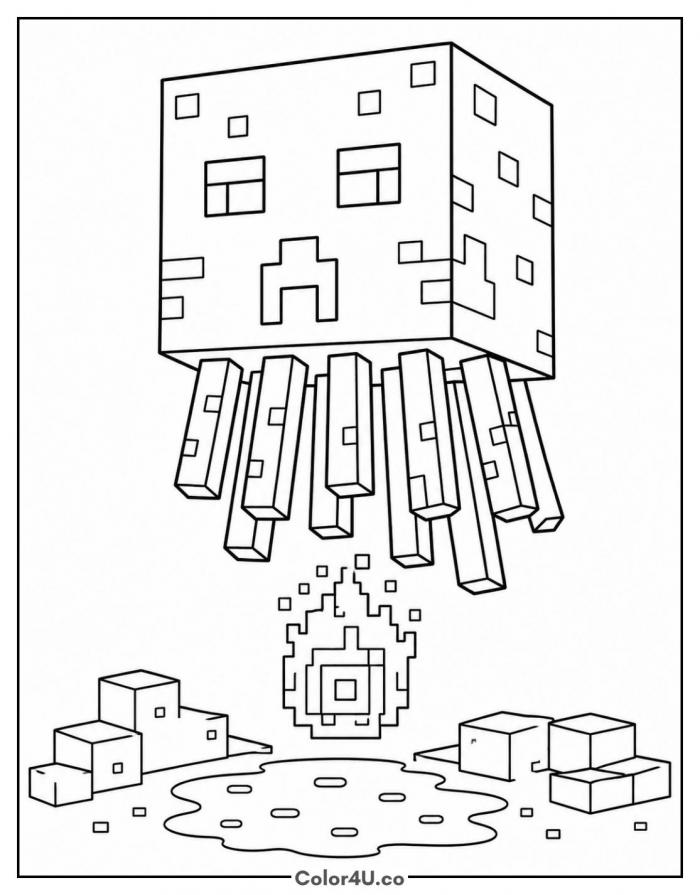
How to color Minecraft Ghast (with suggested palette)
Colors that work well together — tap any swatch to copy its hex.
Do the big cube body first in a light base tone, then come back and darken the small square patches on top of it. Tentacles next, working left to right. Save the fireball and the ground blocks for last so the bright colors stay crisp. Tap any color below to copy its HEX code.
Additional Coloring Tips
1Square patches
Color the body pale first, then add the small gray squares on top so they do not bleed into the base.
2Fireball
Work from the yellow center outward into orange, and keep the stepped pixel edges uncolored for contrast.
3Tentacles
Shade the lower half of each tentacle a little darker so they look like they hang instead of float.
More Minecraft pages to color next
Same style, similar complexity — good follow-ups for the same coloring session.
Download & print details
Everything you need to know before you hit print.
👉 See all Minecraft coloring pages for more designs to print and color.
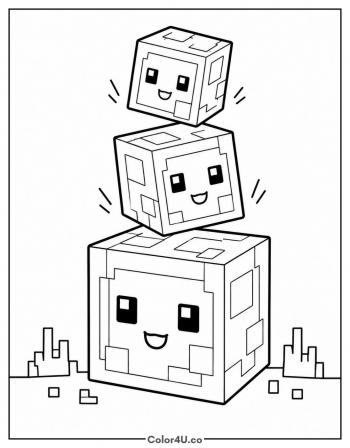
Looking for something similar? Try Minecraft Slime next.