
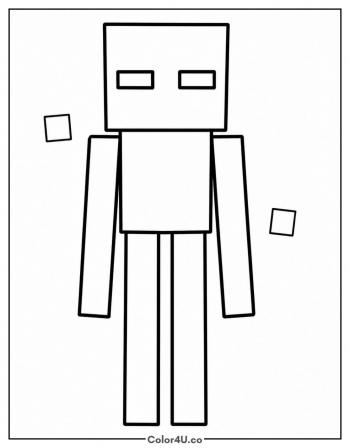
Minecraft Wither Coloring Page
Enjoy this free printable Minecraft Wither coloring page. You can download it as a high-quality PDF and use it for home, classroom, or rainy-day coloring fun.
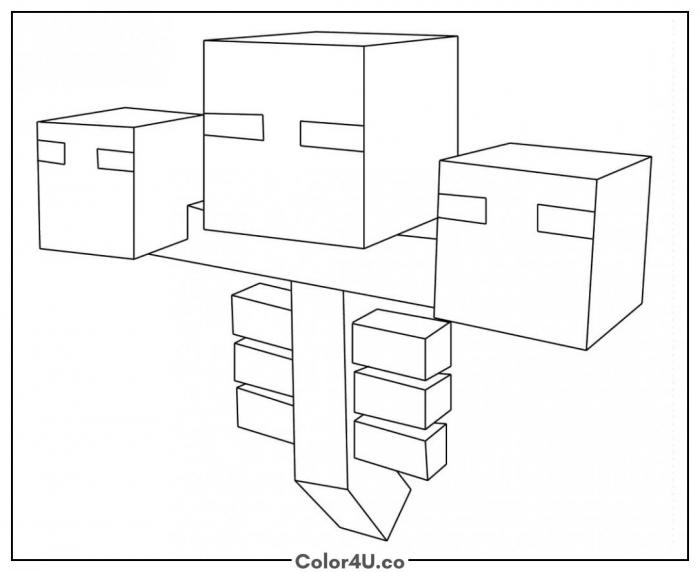
How to color Minecraft Wither (with suggested palette)
Colors that work well together — tap any swatch to copy its hex.
Start with the center head, filling the main surfaces and eye sockets first, then match the two side heads to it. Work down the body segments from top to bottom. Shading the body slightly darker than the heads suggests it sits behind them. Tap any color below to copy its HEX code.
Additional Coloring Tips
1Three heads
Fill all three heads the same base gray, then shade the top-facing surfaces slightly lighter and the side faces slightly darker for depth.
2Eye sockets
Color the eye sockets near-black and add a rim of lighter blue-gray around each one to suggest the eerie in-game glow.
3Body segments
Keep the body segments progressively darker from top to bottom to make the Wither feel like it is hovering in space.
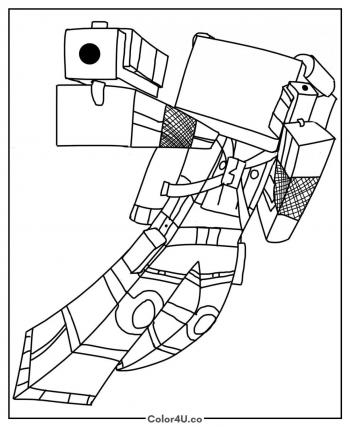
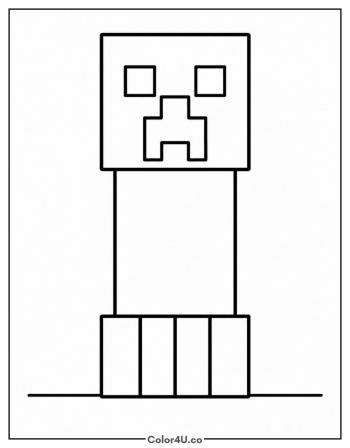
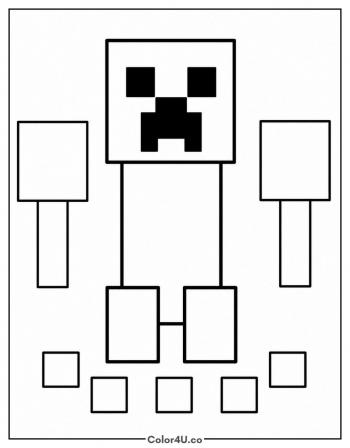
More Minecraft pages to color next
Same style, similar complexity — good follow-ups for the same coloring session.

Download & print details
Everything you need to know before you hit print.
👉 See all Minecraft coloring pages for more designs to print and color.
Looking for something similar? Try Minecraft Villager next.