
Minecraft Enderman Coloring Page
Enjoy this free printable Minecraft Enderman coloring page. You can download it as a high-quality PDF and use it for home, classroom, or rainy-day coloring fun.
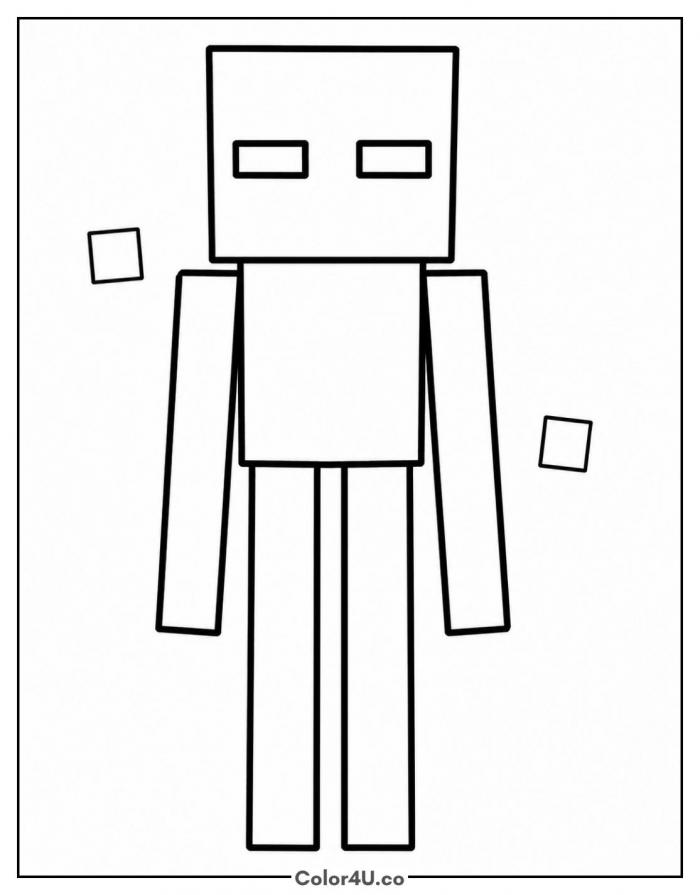
How to color Minecraft Enderman (with suggested palette)
Colors that work well together — tap any swatch to copy its hex.
Start with the body, head, and long arms first, filling those large blocky areas with deep black or dark charcoal. Then move to the floating particle squares on each side before finishing with the purple eyes last. Keeping the eyes for last prevents the dark color from muddying the purple. Tap any color below to copy its HEX code.
Additional Coloring Tips
1Eyes
Fill the eyes solid Enderman purple first, then add a thin ring of pale violet around the edges for a soft glow.
2Arms and legs
Color the arms and legs one shade darker than the torso using dark charcoal so the long limbs have a slight shadow and feel grounded.
3Particle squares
Keep the two floating squares a lighter purple than the eyes so they look like they are drifting away from the figure.
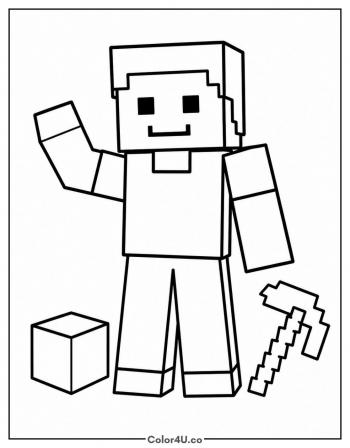
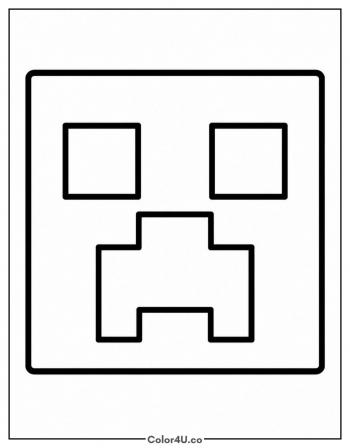
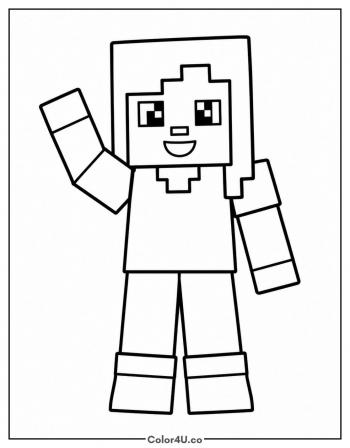
More Minecraft pages to color next
Same style, similar complexity — good follow-ups for the same coloring session.
Download & print details
Everything you need to know before you hit print.
👉 See all Minecraft coloring pages for more designs to print and color.
Looking for something similar? Try Easy Steve next.