Minecraft Bear Character With Top Hat Coloring Page
Enjoy this free printable Minecraft Bear Character With Top Hat coloring page. You can download it as a high-quality PDF and use it for home, classroom, or rainy-day coloring fun.
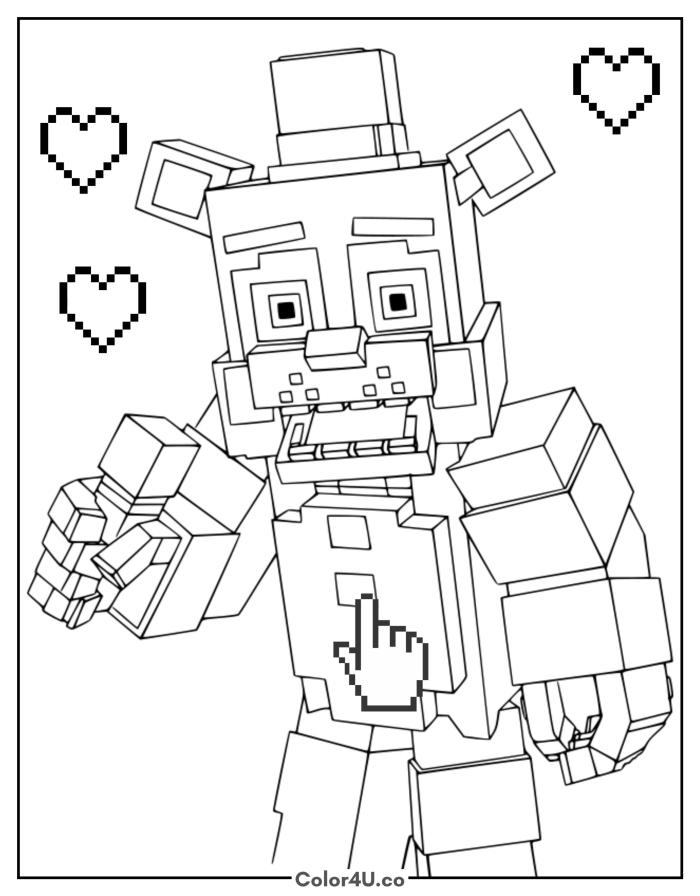
How to color Minecraft Bear Character With Top Hat (with suggested palette)
Colors that work well together — tap any swatch to copy its hex.
Start with the main fur color across the head and body, then add the hat and bow tie. Move to the arms and facial details last, since the many small squares around the eyes and mouth need the steadiest hand. Tap any color below to copy its HEX code.
Additional Coloring Tips
1Eyes
Color the iris gold first, then add the dark pupil square in the center so the eyes look wide and expressive.
2Hat
Keep the hat noticeably darker than the body fur so it reads as separate from the head even without a strong outline.
3Hearts
Fill each pixelated heart with solid red, then trace the pixel edges with a darker shade to make the heart shapes crisp.
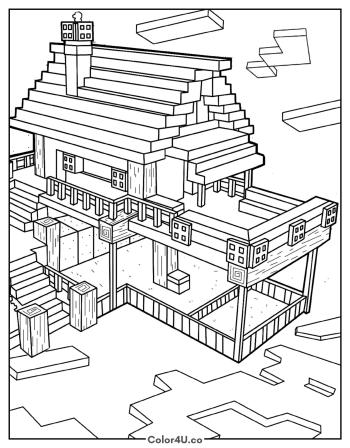
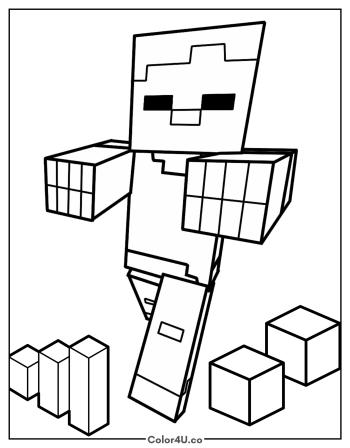
More Minecraft pages to color next
Same style, similar complexity — good follow-ups for the same coloring session.
Download & print details
Everything you need to know before you hit print.
👉 See all Minecraft coloring pages for more designs to print and color.
Looking for something similar? Try Minecraft Log Cabin next.