
Minecraft Sword Coloring Page
Enjoy this free printable Minecraft Sword coloring page. You can download it as a high-quality PDF and use it for home, classroom, or rainy-day coloring fun.
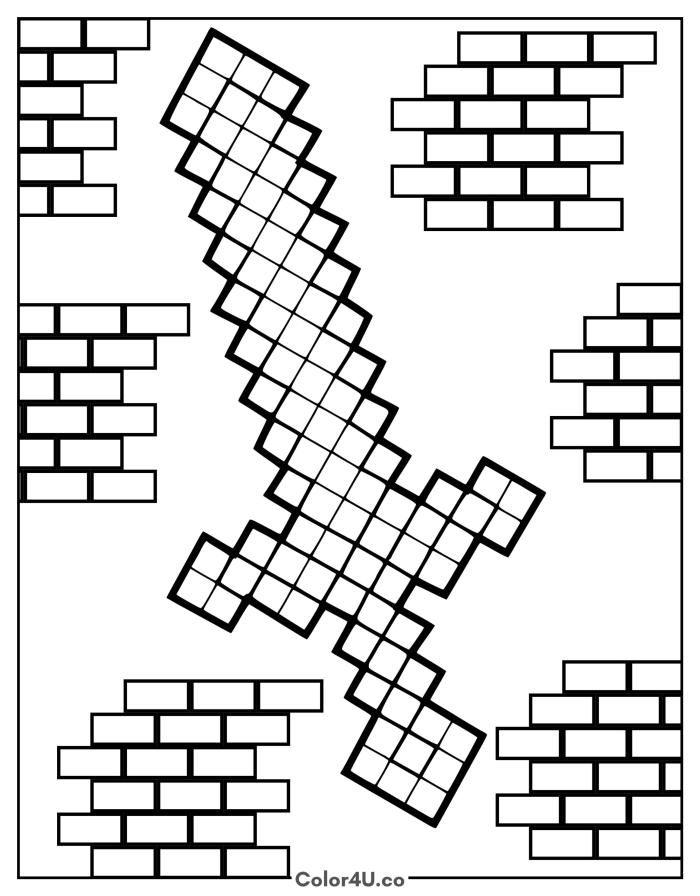
How to color Minecraft Sword (with suggested palette)
Colors that work well together — tap any swatch to copy its hex.
Start with the sword blade from tip to handle, choosing your material color first so the whole weapon reads consistently. Then add the crossguard and handle. Fill the brick wall panels around the edges last, working one panel at a time. Tap any color below to copy its HEX code.
Additional Coloring Tips
1Sword material
Pick your material before coloring: sky blue for diamond, silver for iron, or brown for wood, then fill every square the same shade.
2Brick walls
Color the brick rectangles a warm terracotta red and leave the thin lines between them as white paper to suggest mortar joints.
3Blade shading
Add a slightly lighter shade to the top half of each pixel square on the blade so the sword catches light from one direction.
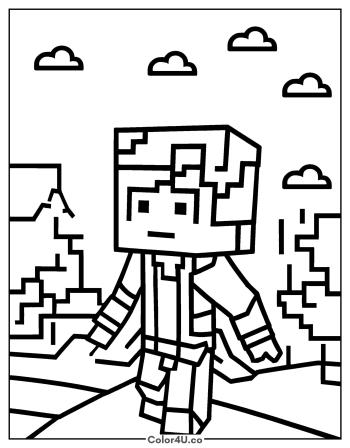
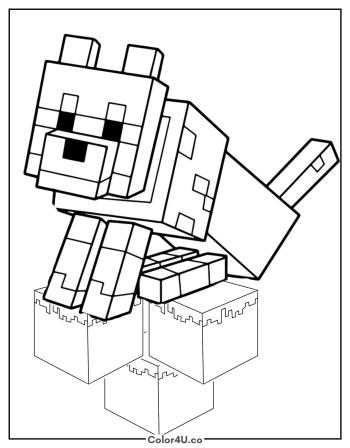
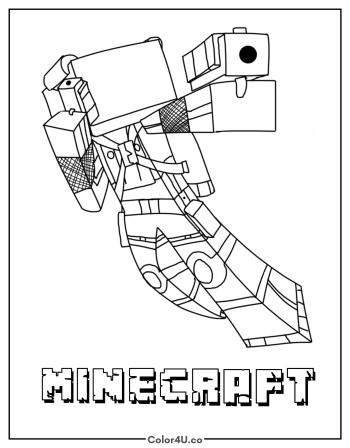
More Minecraft pages to color next
Same style, similar complexity — good follow-ups for the same coloring session.
Download & print details
Everything you need to know before you hit print.
👉 See all Minecraft coloring pages for more designs to print and color.
Looking for something similar? Try Alex Walking Through the Landscape next.