
Minecraft Zombie With Blocks Coloring Page
Enjoy this free printable Minecraft Zombie With Blocks coloring page. You can download it as a high-quality PDF and use it for home, classroom, or rainy-day coloring fun.
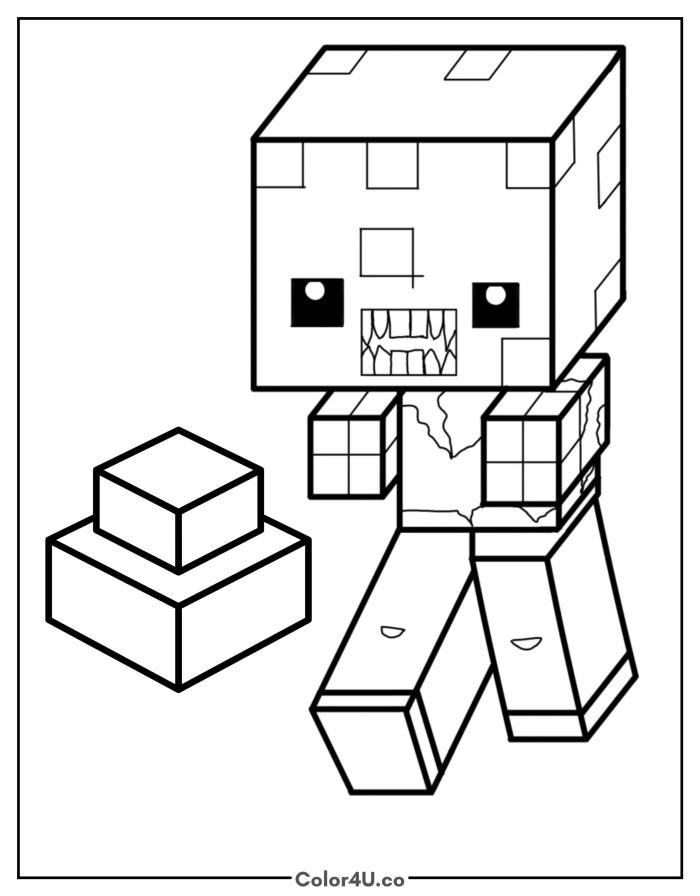
How to color Minecraft Zombie With Blocks (with suggested palette)
Colors that work well together — tap any swatch to copy its hex.
Start with the large flat faces of the zombie's head in green, then add the eyes and torn clothing. Save the teeth row for last since the jagged shapes need a steady pen tip to fill cleanly. Tap any color below to copy its HEX code.
Additional Coloring Tips
1Teeth
Fill the teeth cream and leave the zigzag gaps as white paper to keep the uneven tooth shapes clear.
2Zombie head
Add a darker green on the shadow sides of the head to give the big cube face some depth.
3Torn clothing
Draw the ragged torn lines with a dark blue pen before filling the shirt so the tatters look intentional.
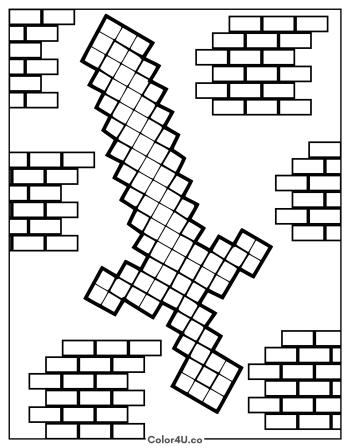
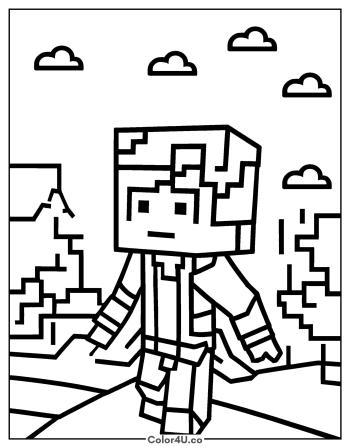
More Minecraft pages to color next
Same style, similar complexity — good follow-ups for the same coloring session.
Download & print details
Everything you need to know before you hit print.
👉 See all Minecraft coloring pages for more designs to print and color.
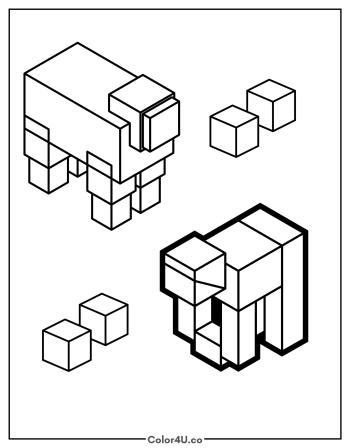
Looking for something similar? Try Animals From Minecraft next.