
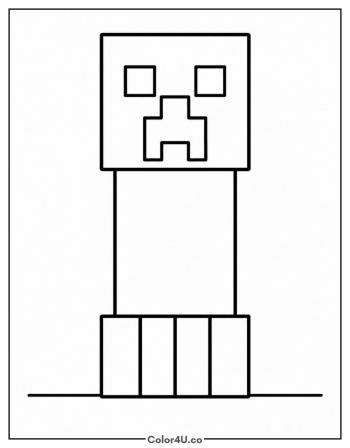
Minecraft Character in a Christmas Hat Coloring Page
Enjoy this free printable Minecraft Character in a Christmas Hat coloring page. You can download it as a high-quality PDF and use it for home, classroom, or rainy-day coloring fun.
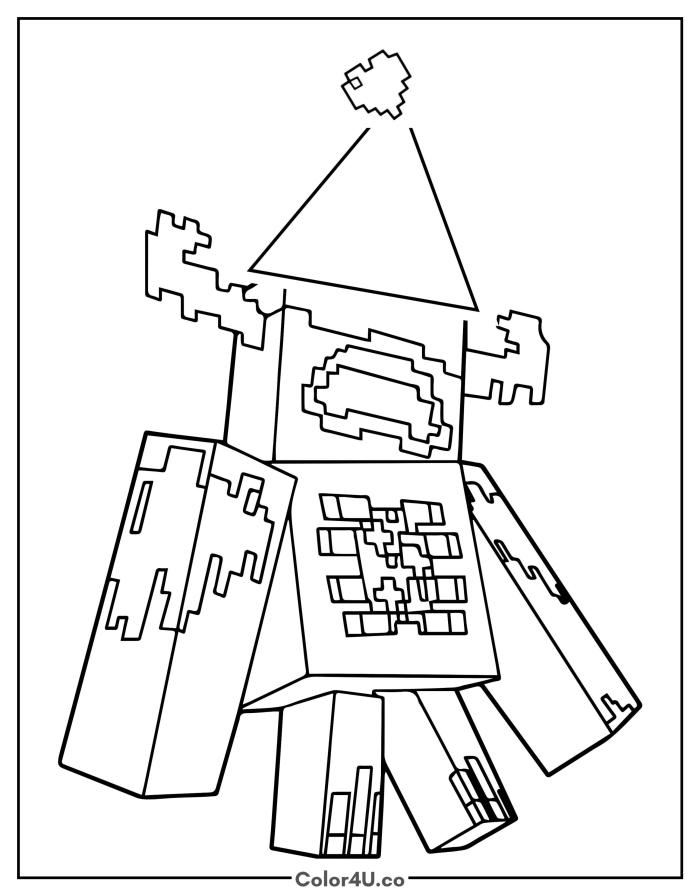
How to color Minecraft Character in a Christmas Hat (with suggested palette)
Colors that work well together — tap any swatch to copy its hex.
Start by choosing the main body color and filling the chest, arms, and legs first, then work on the pixel grid pattern on the chest. Add the Christmas hat last so you can pick a festive shade that stands out against the body. Tap any color below to copy its HEX code.
Additional Coloring Tips
1Chest grid
Work through the pixel grid one row at a time, alternating light and dark squares to keep the pattern readable.
2Christmas hat
Make the hat a vivid red and the star at the tip bright white so it pops above the complex body below.
3Arm chunks
Use a fine-tip marker for the small pixel chunks on the arms and shoulders so the jagged edges stay crisp.
More Minecraft pages to color next
Same style, similar complexity — good follow-ups for the same coloring session.

Download & print details
Everything you need to know before you hit print.
Created by the Color4U team and checked for clean printable line art, simple page layout, and home/classroom use.
👉 See all Minecraft coloring pages for more designs to print and color.
Looking for something similar? Try Steve Running to the Rescue next.