
Tails Fixing a Gadget Coloring Page
Enjoy this free printable Tails Fixing a Gadget coloring page. You can download it as a high-quality PDF and use it for home, classroom, or rainy-day coloring fun.
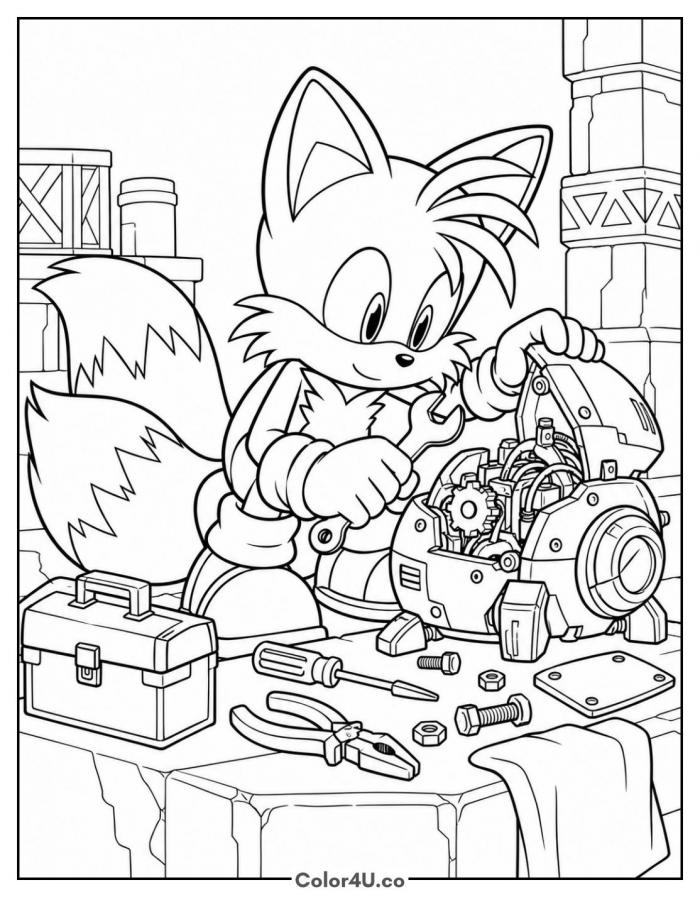
How to color Tails Fixing a Gadget (with suggested palette)
Colors that work well together — tap any swatch to copy its hex.
Work from the back forward: shade the workshop pillars and scaffolding first, then Tails and his fur, then the robot head. Finish with the tools on the bench so the small metal pieces stay crisp. Tap any color below to copy its HEX code.
Additional Coloring Tips
1Exposed gears
Lay brass yellow down first, then trace each tooth with a brown pencil so the gears read as machined metal.
2Scattered bolts
Give each bolt a gray body with one darker side, which makes them sit on the bench instead of floating.
3Robot plating
Keep the panels flat steel and add a thin white streak along the top edges for a polished shine.
More Tails pages to color next
Same style, similar complexity — good follow-ups for the same coloring session.


Download & print details
Everything you need to know before you hit print.
👉 See all Tails coloring pages for more designs to print and color.
Looking for something similar? Try Tails Face Close-Up next.