
Zombie Villager Coloring Page
Enjoy this free printable Zombie Villager coloring page. You can download it as a high-quality PDF and use it for home, classroom, or rainy-day coloring fun.
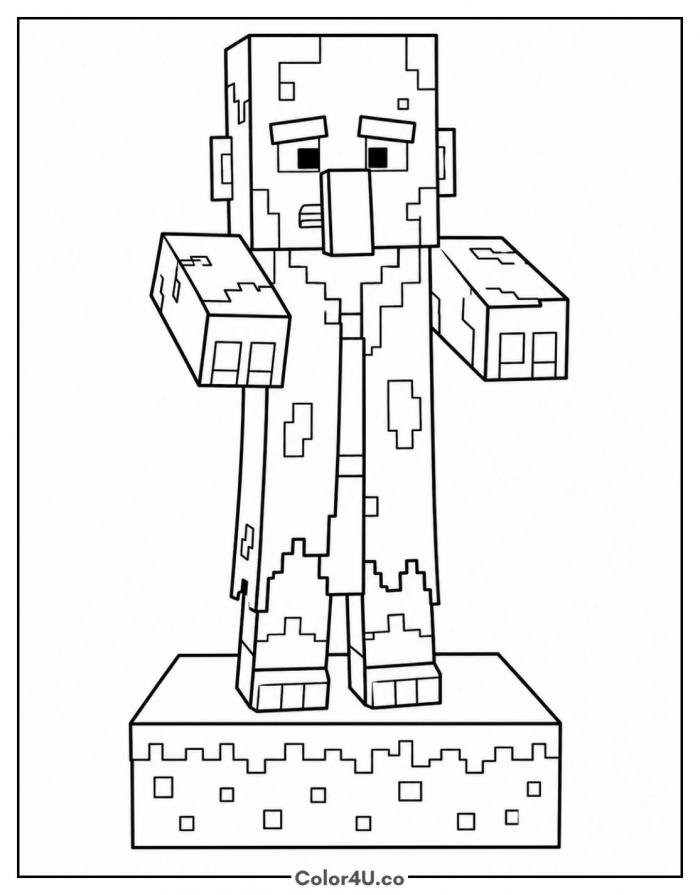
How to color Zombie Villager (with suggested palette)
Colors that work well together — tap any swatch to copy its hex.
Lay the base colors down first, green on the head and hands, brown on the robe, then go back for the patches on top. The grass block comes last: green across the top, brown down the sides. Keeping patches for the second pass stops them smudging. Tap any color below to copy its HEX code.
Additional Coloring Tips
1Skin patches
Put the base green down first, then drop olive into the patch shapes so the skin looks rotten.
2Villager nose
Keep the nose one shade darker than the face so it stands out from the head block.
3Grass block
Color the top green and let a few green pixels drip over the edge onto the brown sides.
More Minecraft pages to color next
Same style, similar complexity — good follow-ups for the same coloring session.
Download & print details
Everything you need to know before you hit print.
👉 See all Minecraft coloring pages for more designs to print and color.
Looking for something similar? Try Chicken Jockey next.