
Minecraft Bee Coloring Page
Enjoy this free printable Minecraft Bee coloring page. You can download it as a high-quality PDF and use it for home, classroom, or rainy-day coloring fun.
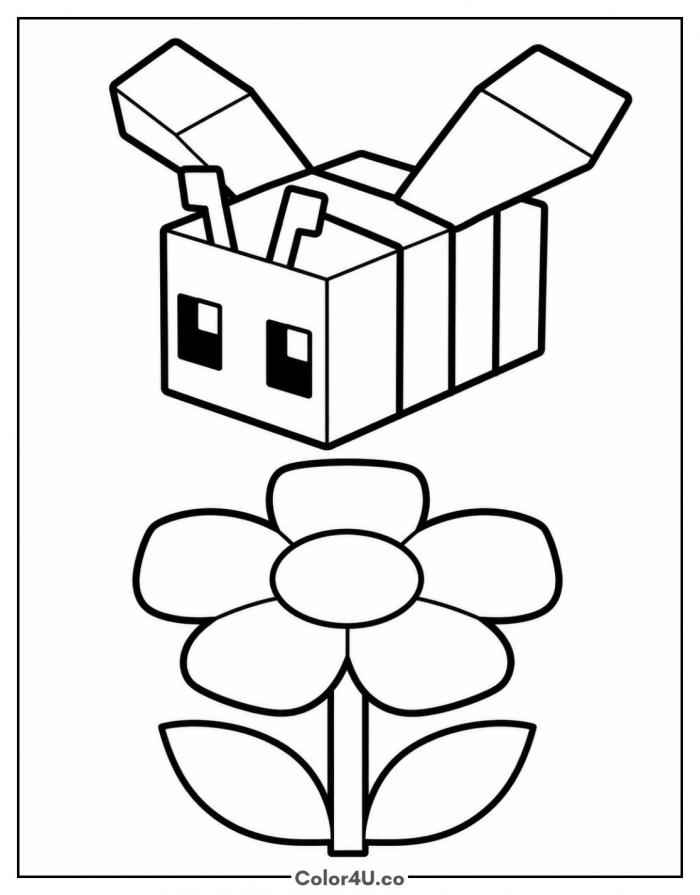
How to color Minecraft Bee (with suggested palette)
Colors that work well together — tap any swatch to copy its hex.
Start with the bee's body stripes, alternating yellow and black, then color the wings a light, see-through grey. Finish with the flower below, working from the petals inward to the center. Tap any color below to copy its HEX code.
Additional Coloring Tips
1Body stripes
Alternate yellow and black bands evenly across the bee's body so the classic stripe pattern reads clearly.
2Wings
Keep the wings a light grey or leave them uncolored so they look thin and see-through against the bee's body.
3Flower petals
Color each petal the same soft white, then add a touch of yellow near the center where they meet.
More Minecraft pages to color next
Same style, similar complexity — good follow-ups for the same coloring session.
Download & print details
Everything you need to know before you hit print.
👉 See all Minecraft coloring pages for more designs to print and color.
Looking for something similar? Try Minecraft Axolotl next.